Part 1
Complete these steps (the person sharing the calendar’s computer first)
- Click File >> Account Settings >> Delegate Access


2. Click Add >>

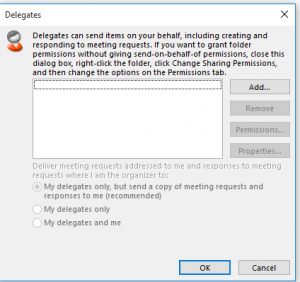
3. Find the user in the address book that you are sharing with >> Click OK


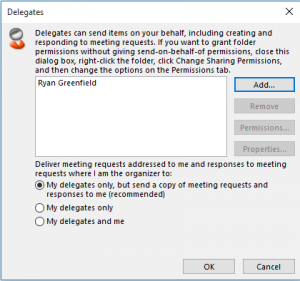
4. Set the permission levels for Calendar, Tasks, Inbox, Contacts and Notes >> Click OK


5. Select the (Recommended) Option >> Click OK

Part 2:
Complete the next steps on the computer that will open the shared calendar
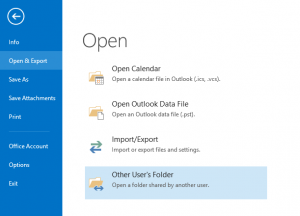
1. Click File >> Open & Export >> Open Other Users Folder

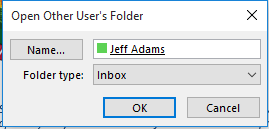
2. Click Name

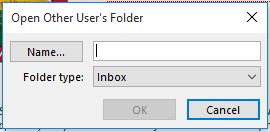
3. Search for the person in the address book >> Click OK


4. Click OK